How Optiq's zero data retention works
Zero data retention is an easy claim to make. Here is the actual architecture behind it at Optiq, from private models to a confidential backend.
The Optiq TeamRead
security
Most conversations about AI privacy focus on what happens to a prompt after you send it. Fewer focus on the app sitting on your machine in the first place. If the build your team installs cannot be trusted, nothing downstream matters. That is why we treat the desktop app itself as part of the security story, not just the model calls it makes.
Every Optiq desktop release is signed and notarized before it reaches your team. In practice, that means the operating system itself can verify the build came from us and has not been tampered with in transit. What your team installs is the build we shipped, checked by your Mac or Windows machine before Optiq ever opens.
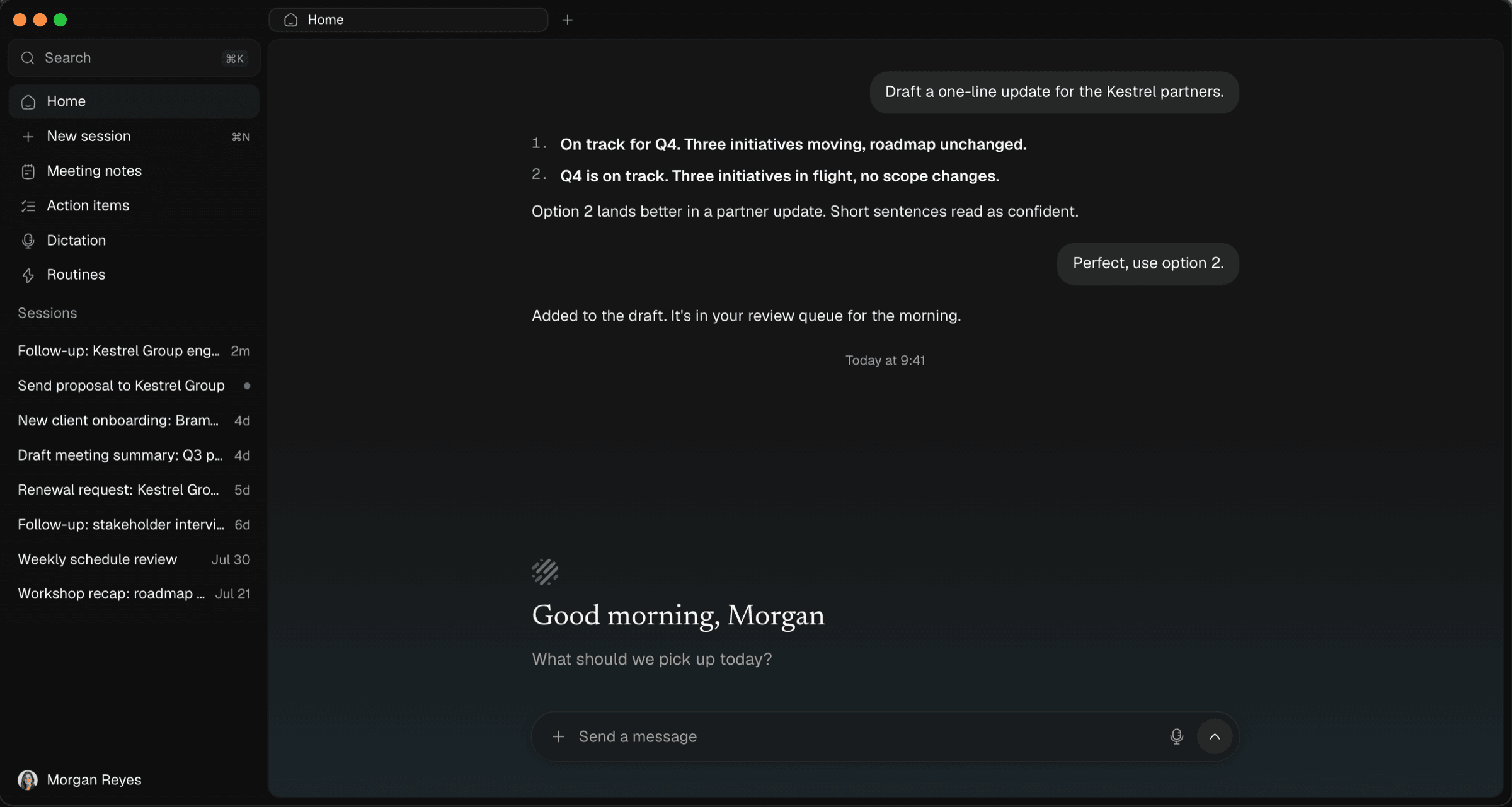
Once the app is running, the same local-first principle applies to your data. Notes, recordings, transcripts, and agent memory stay on the device by default, in an encrypted local database rather than a cloud account. There is no separate step to turn this on. It is the default state of a fresh install.
Telemetry is off by default. If your organization opts in, it reports anonymous usage buckets, things like which features are used and how often, and never includes the content of a prompt, a note, or a transcript. Opting in is a choice your organization makes deliberately, not a setting buried in a terms of service update.
Signed releases and local storage cover the app and your data at rest. The other half of the story is what happens when a request does need a model: it goes through a confidential backend designed to publish a verifiable attestation of the exact code running, covered in more detail on our security page. Taken together, the goal is a system where every layer, the install, the storage, and the backend, can be checked rather than taken on faith.
If your team is evaluating Optiq for a regulated environment and wants to see the verification steps yourself, book a demo or reach out directly and we will walk through exactly what to check.
Zero data retention is an easy claim to make. Here is the actual architecture behind it at Optiq, from private models to a confidential backend.
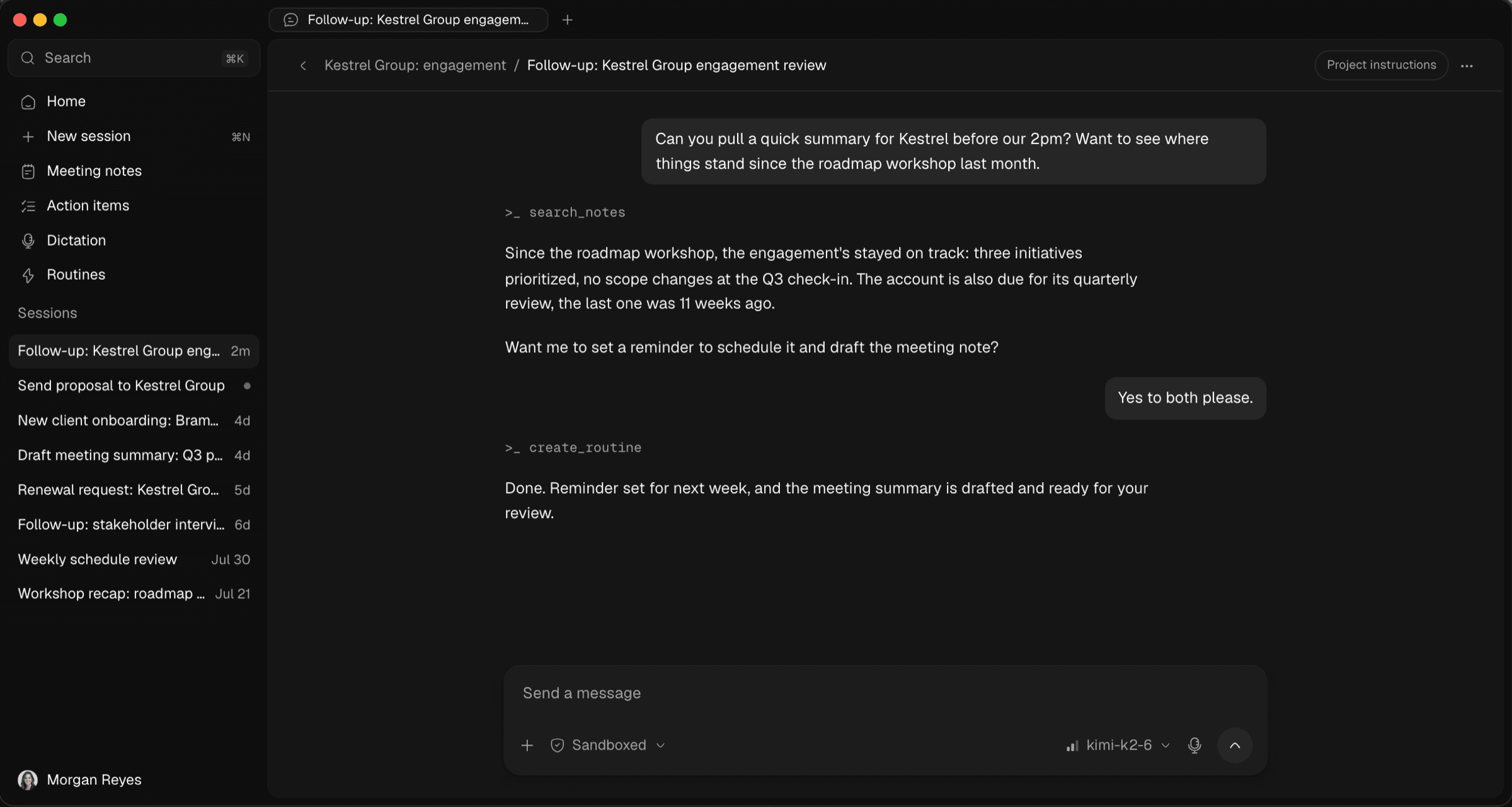
Why we built Optiq, a private AI agent for law firms, advisors, and healthcare teams: chat, dictation, notes, and routines that stay on your machine.
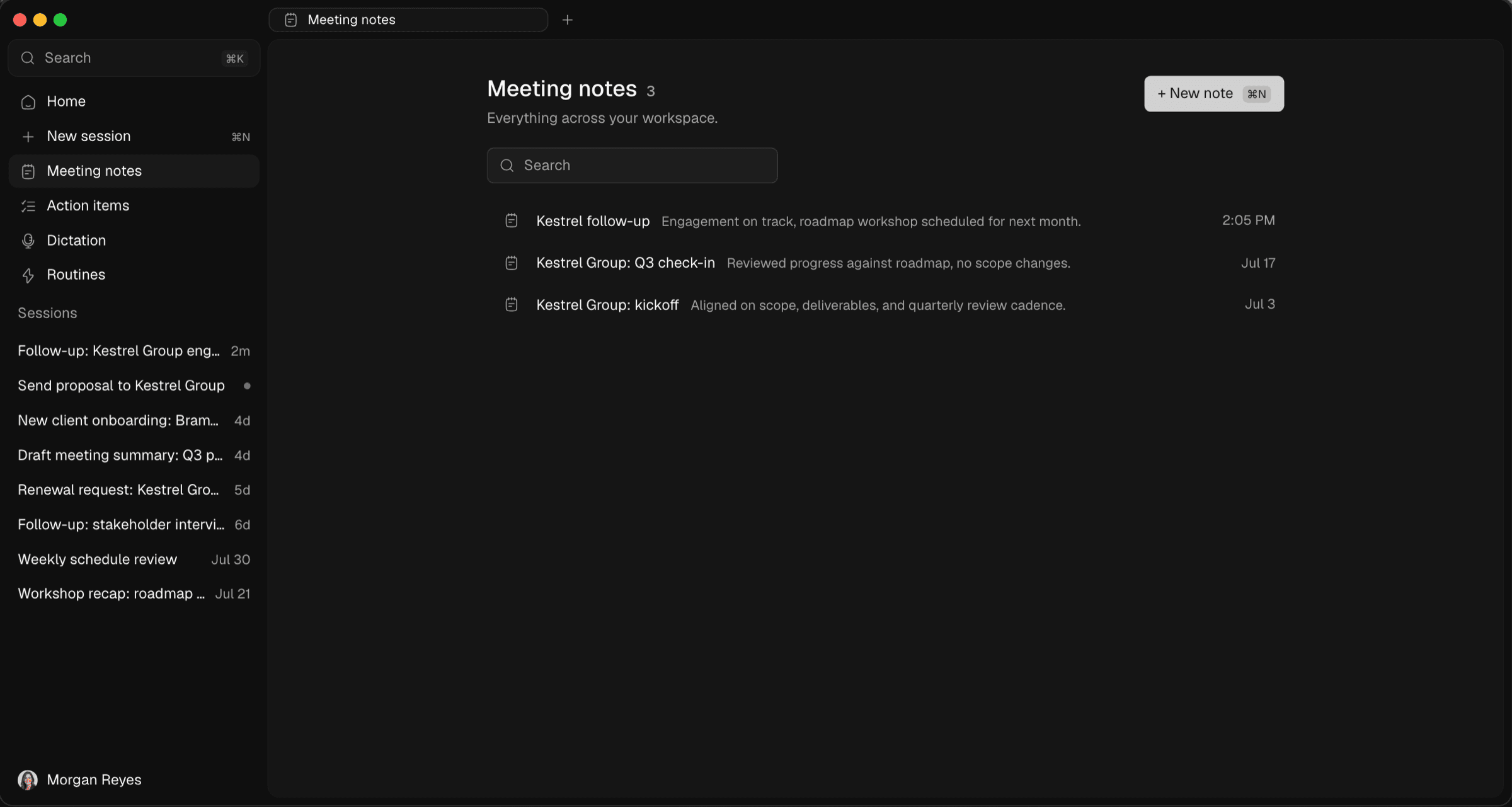
How Optiq turns meetings into structured notes by recording on your own device, with no bot joining the call and nothing uploaded to a shared cloud.
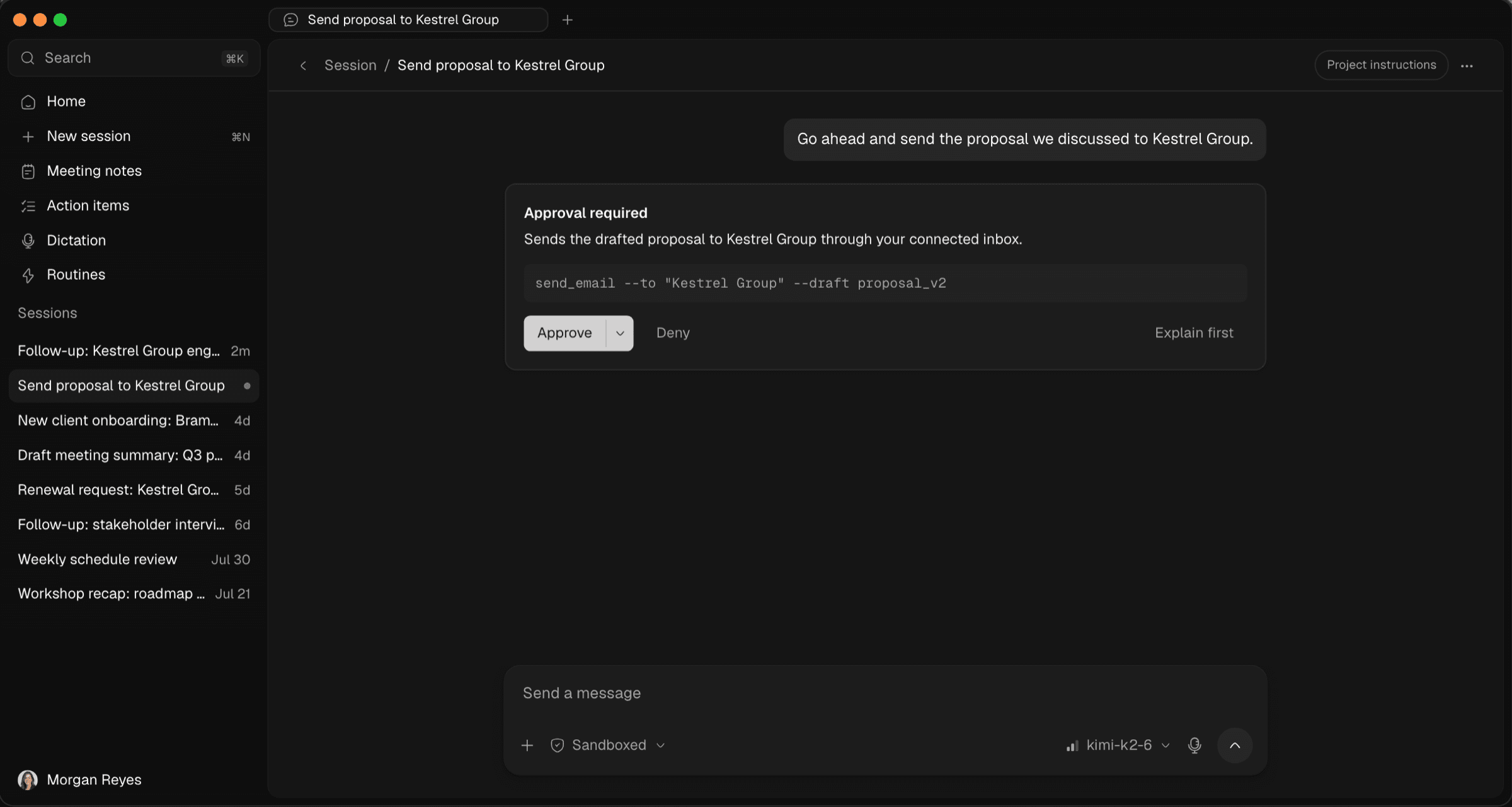
How Optiq's local agent handles real work while staying sandboxed by default, pausing every risky action for your approval before it touches anything.