Meeting notes without a bot on the call
How Optiq turns meetings into structured notes by recording on your own device, with no bot joining the call and nothing uploaded to a shared cloud.
The Optiq TeamRead
company
Today we're sharing the first proper look at Optiq, a desktop app that brings AI chat, voice dictation, and meeting notes to professionals handling sensitive work, without asking anyone to hand their work to a cloud company. It runs on your Mac or Windows machine, keeps its data on your device, and sends AI requests to private models that retain nothing. This post covers what Optiq does, why we built it the way we did, and where we are on the road to launch.
AI has quietly become part of daily work across confidentiality-sensitive professions. Clinicians draft letters with chatbots, attorneys draft memos, financial advisors summarize client calls, admin teams summarize long email threads, and everyone dictates. The tools are genuinely useful, which is exactly the problem. Most of them were never designed for work that touches patient, client, or privileged information.
The default architecture of consumer AI is to send everything to someone else's servers and ask you to trust the privacy policy. Every prompt, file, and meeting reveals something about your work, and once it leaves your machine you have very little say in what happens next. Some products retain your data. Some train on it. Meeting assistants join calls as visible bots and upload the recording to a cloud nobody in the room has ever audited. For a law firm, a financial advisory, or a hospital, that is not a tooling preference. It is a liability.
So we built Optiq the other way around. Your work stays on your device by default. When a model does need to be called, the request goes to private models with zero data retention, meaning nothing stored and nothing used for training. And rather than asking teams to take our word for any of this, we are building the whole system so the privacy claims can be checked.
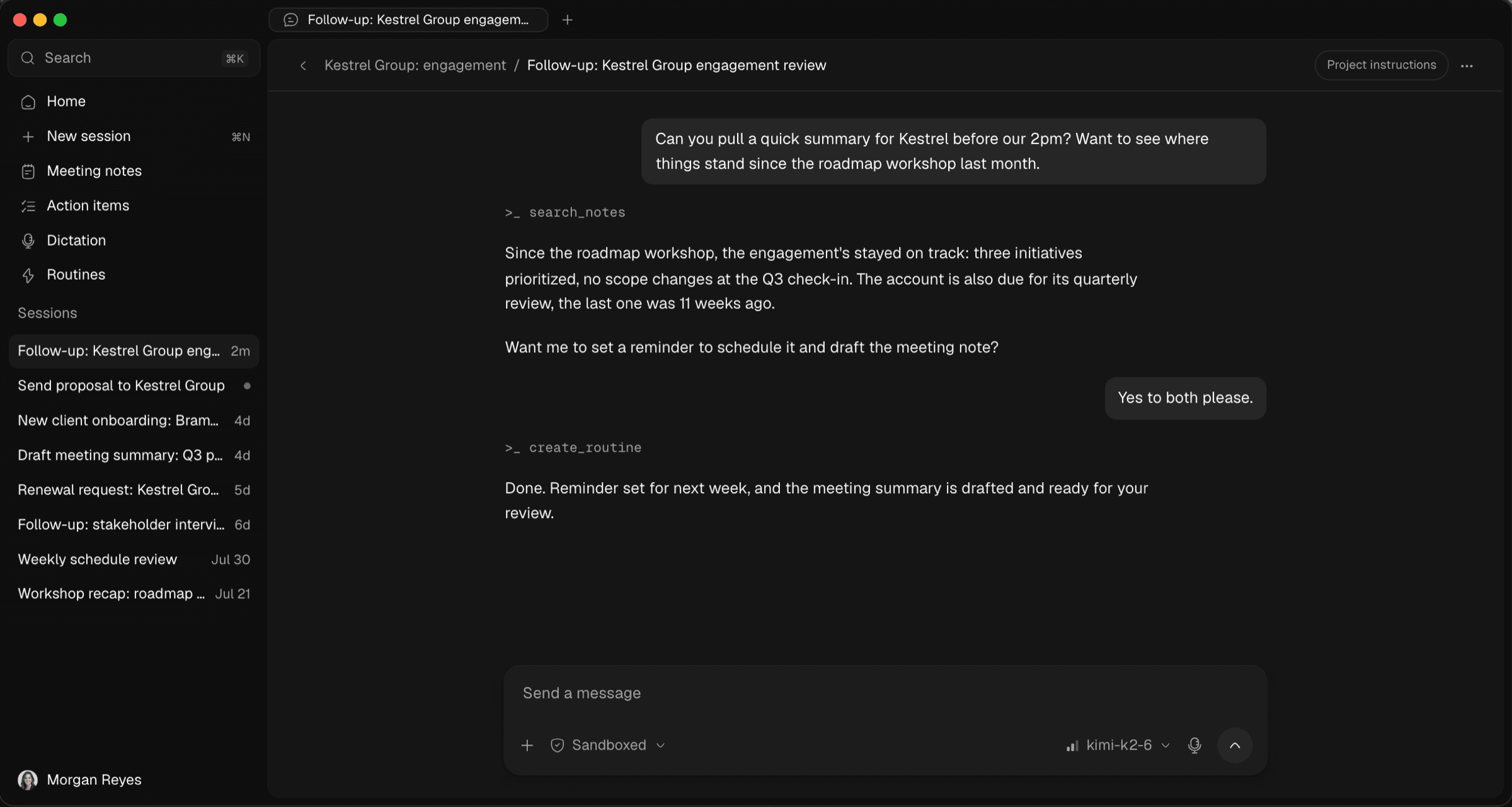
The chat itself works the way you would expect. Ask questions, research a topic, draft and rewrite, attach files. The difference is what happens to the conversation afterwards, which is nothing. Model calls default to private models with zero data retention, so your questions do not become training data and they are not sitting on a server waiting for a breach or a subpoena.
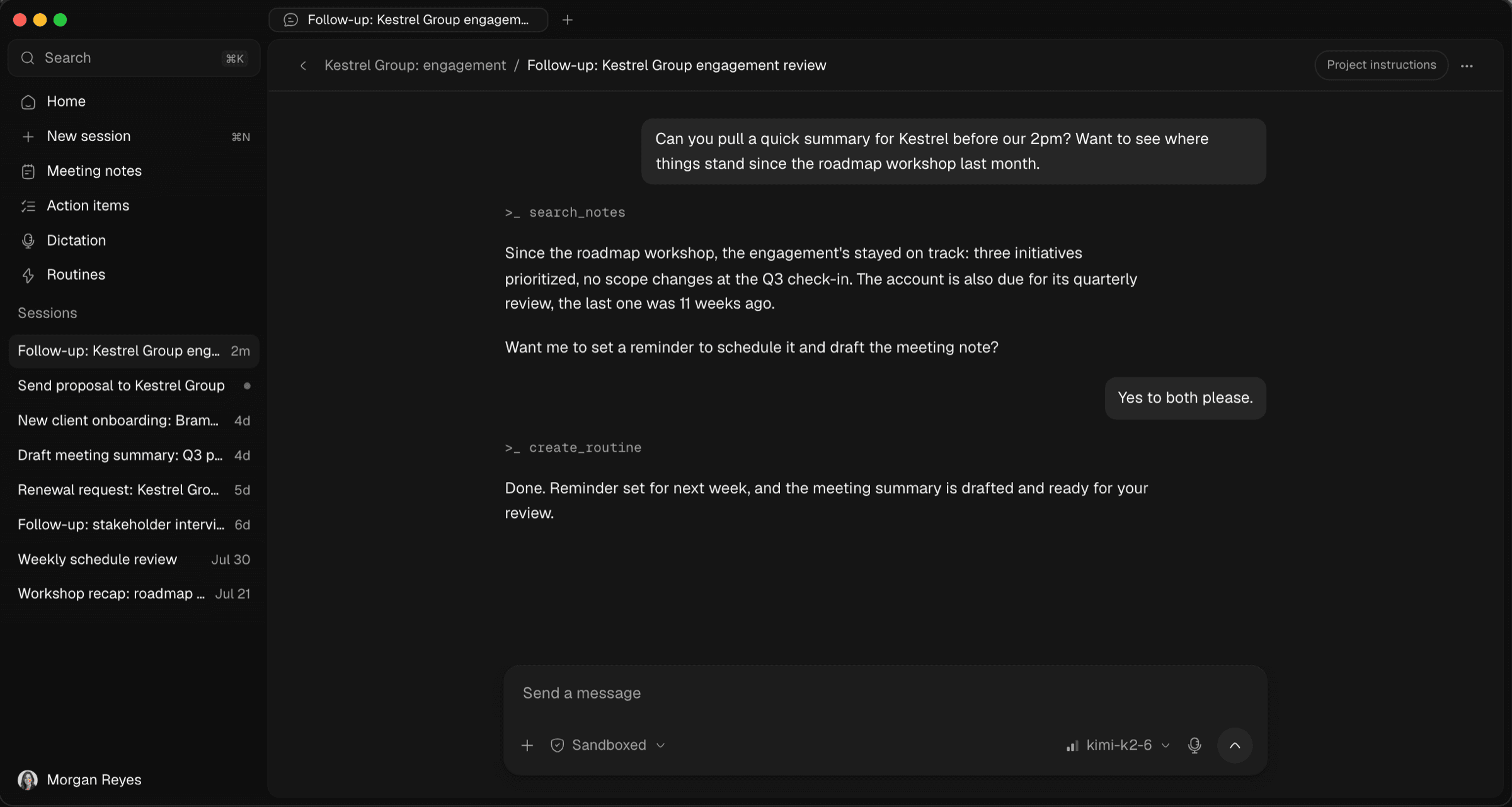
Hold a key, talk, let go. Optiq transcribes what you said, cleans it up into readable writing, and types it straight into whatever app you were working in. There is no separate transcript window to copy from. It works in your email client, your browser, your documents, anywhere you can put a cursor.
You can choose a writing style, so a rambling voice note can come out as a formal letter or a tight summary. There is a hands-free mode for longer stretches, and in push-to-talk the microphone is only live while you hold the key.
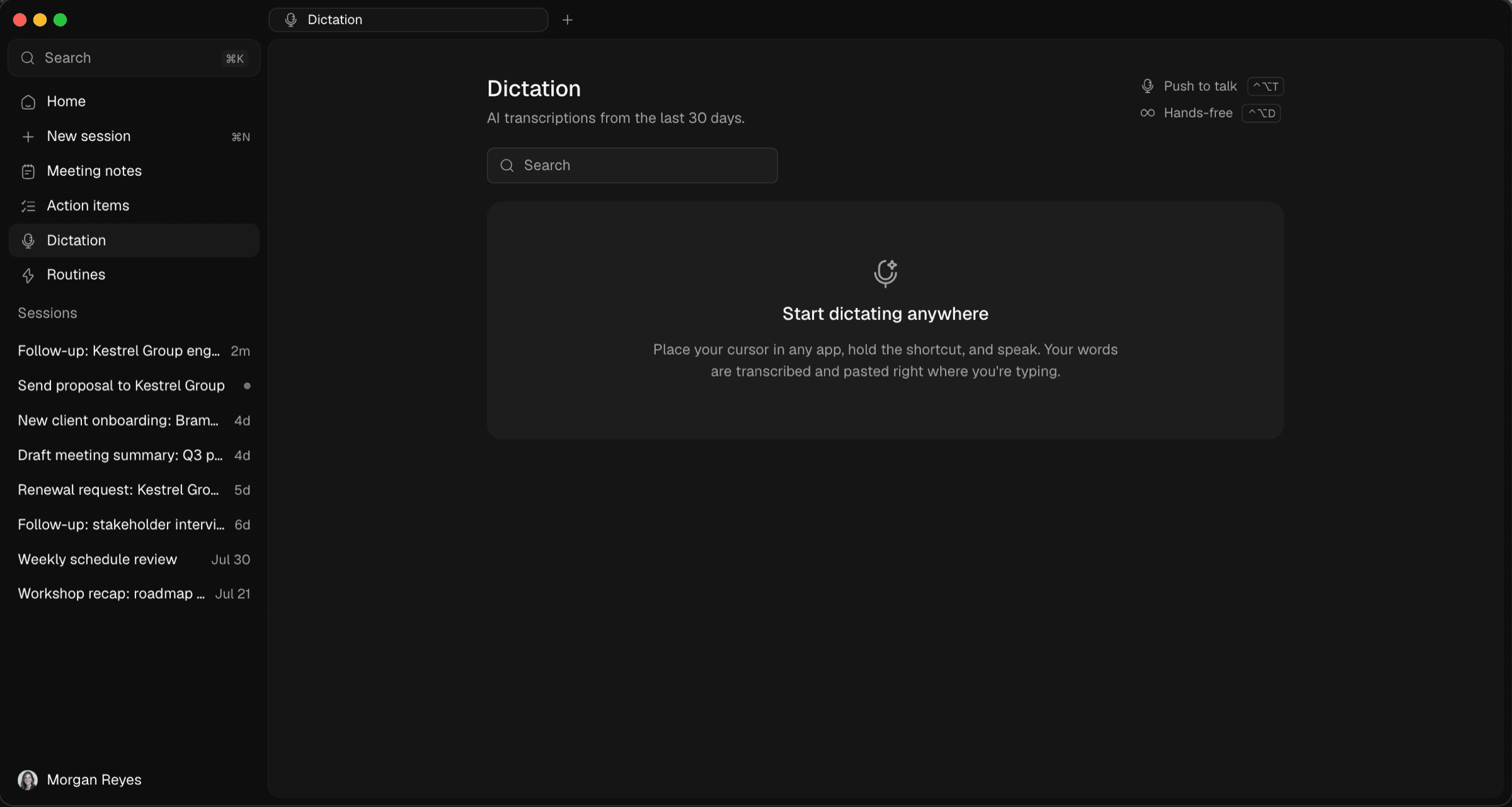
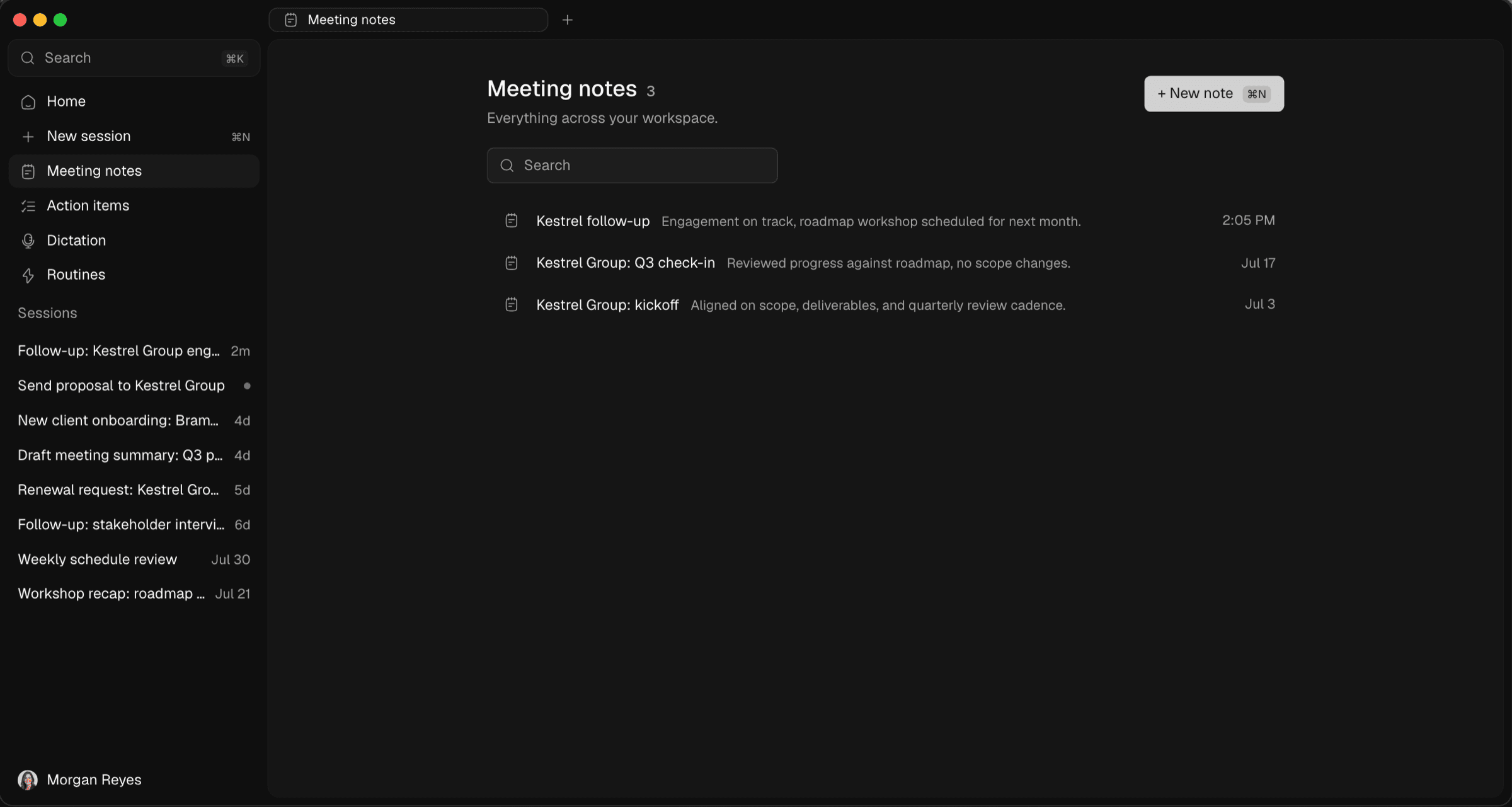
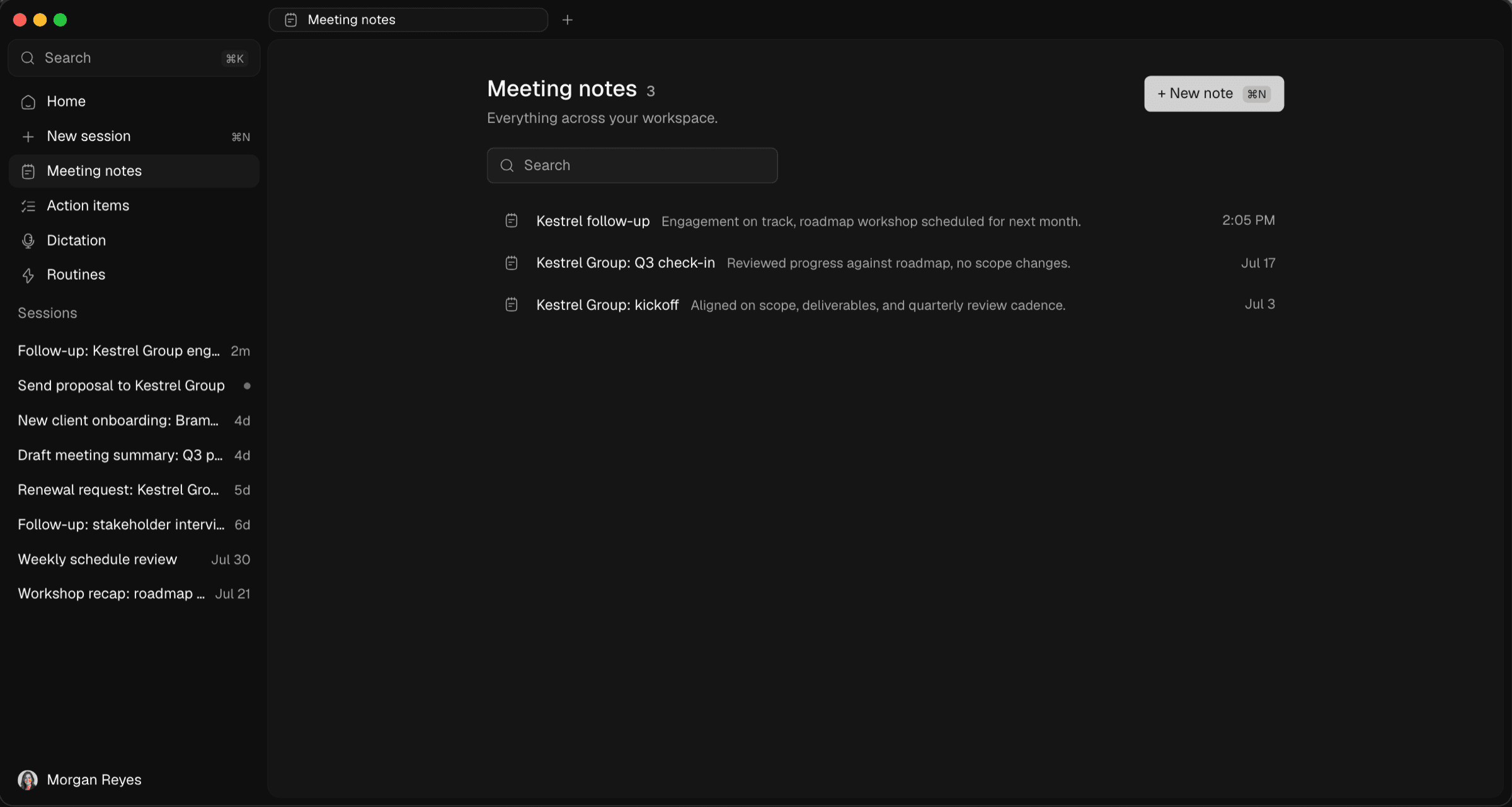
Nobody enjoys a recording bot joining a sensitive conversation. Optiq never dials in. It detects supported meeting apps automatically, records audio directly on your device, from the microphone alone or the microphone plus system audio, and turns the conversation into a structured, editable note when the meeting ends.
The audio stays on your machine, so if a transcription step fails you can retry it without losing the meeting. The transcript is ordered into conversation turns, and the finished note is a normal document you can edit, organize into projects, and pull into chat later.
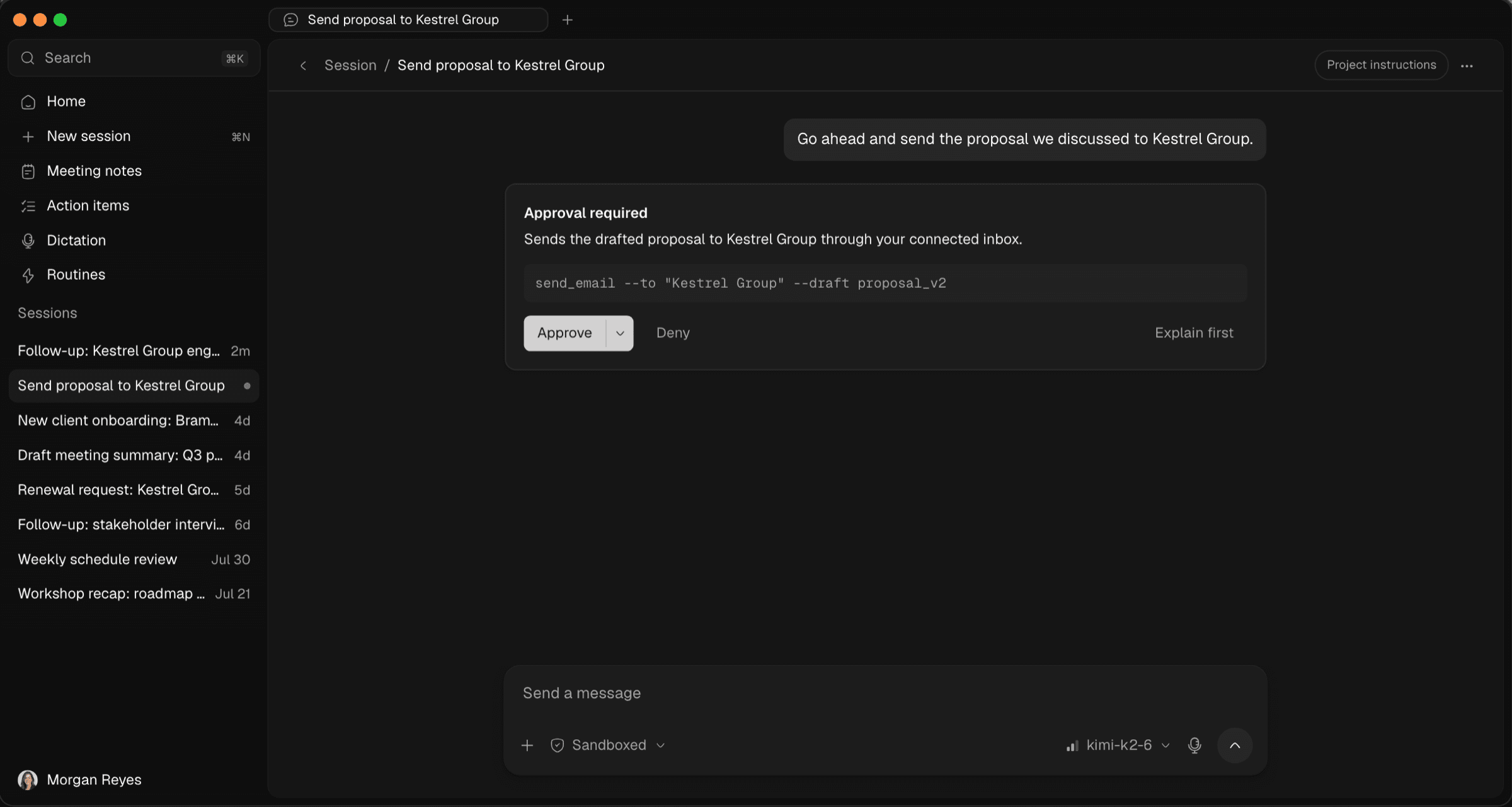
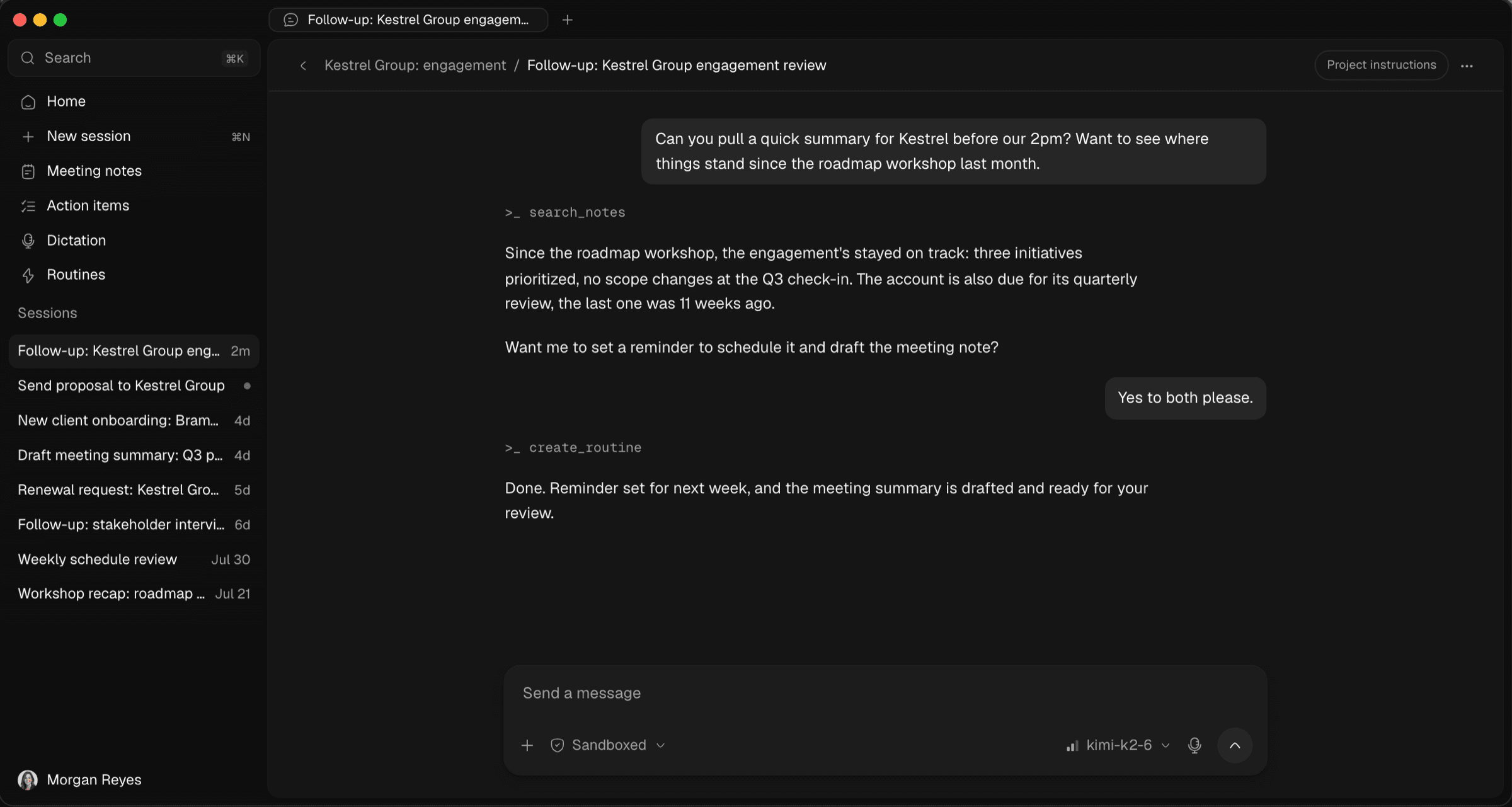
For bigger jobs there is a local agent. Point it at a folder of files, ask it to research something across your notes, or have it draft a document from scattered material. It runs sandboxed by default, and anything risky, like writing a file or running a command, stops and waits for your approval. You see every action before it touches your machine.
Private by design is an easy thing to write on a landing page, so here is what it means concretely in Optiq:
Beyond that, the backend is designed to run inside a confidential virtual machine that publishes a verifiable attestation of the exact code it is running. That is the bar we hold ourselves to: verifiable, not just promised. There is more detail on our security page.
Confidentiality-sensitive work deserves straight answers, so here is ours. Optiq is in private beta and we are not claiming HIPAA, or any other formal compliance certification, today. Business associate agreements and a full compliance posture are active work, and until that work is finished we would rather tell you exactly where things stand than put a badge on the website. The architecture was designed for regulated and privileged work from day one. The paperwork has to be just as real before we say more.
Optiq runs on macOS and Windows and is rolling out to teams through a private beta. Your organization, whether that is a law firm, a financial advisory, a hospital, or a small care team, creates an account, invites members, and is billed per seat. There are no per-request charges and no usage meters to watch. And if you are weighing alternatives, we have written honest comparisons against ChatGPT, Otter, Granola, Abridge, and Heidi.
If you want to see Optiq on your own screens, book a demo and we will walk your team through it. And if you have questions about how any of this works, especially the privacy side, ask us the hard ones. We built Optiq so we would have good answers.
How Optiq turns meetings into structured notes by recording on your own device, with no bot joining the call and nothing uploaded to a shared cloud.
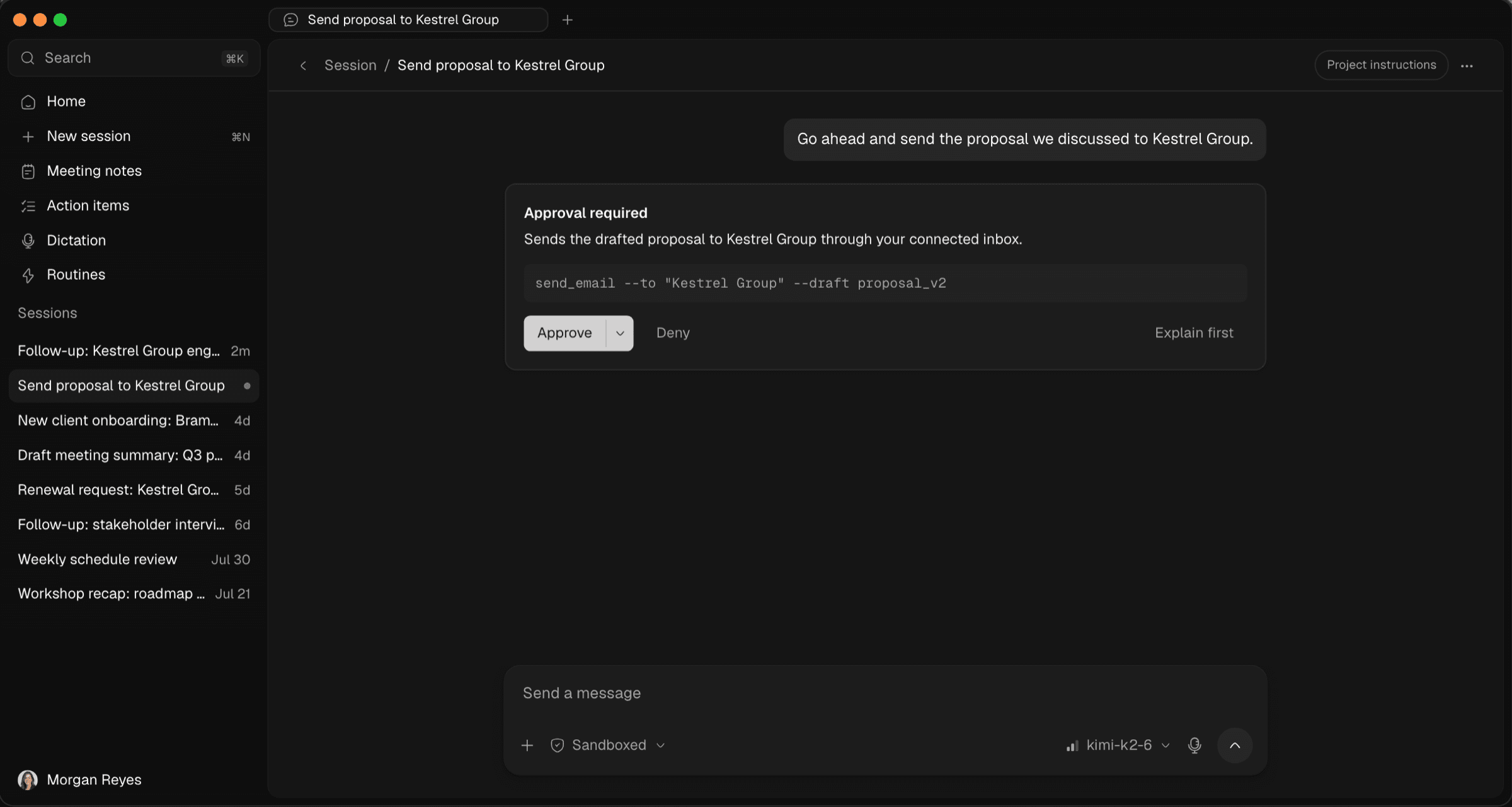
How Optiq's local agent handles real work while staying sandboxed by default, pausing every risky action for your approval before it touches anything.
Zero data retention is an easy claim to make. Here is the actual architecture behind it at Optiq, from private models to a confidential backend.
The privacy of an AI tool depends on the app itself being trustworthy. Here is how Optiq's desktop releases stay signed, notarized, and checkable.